
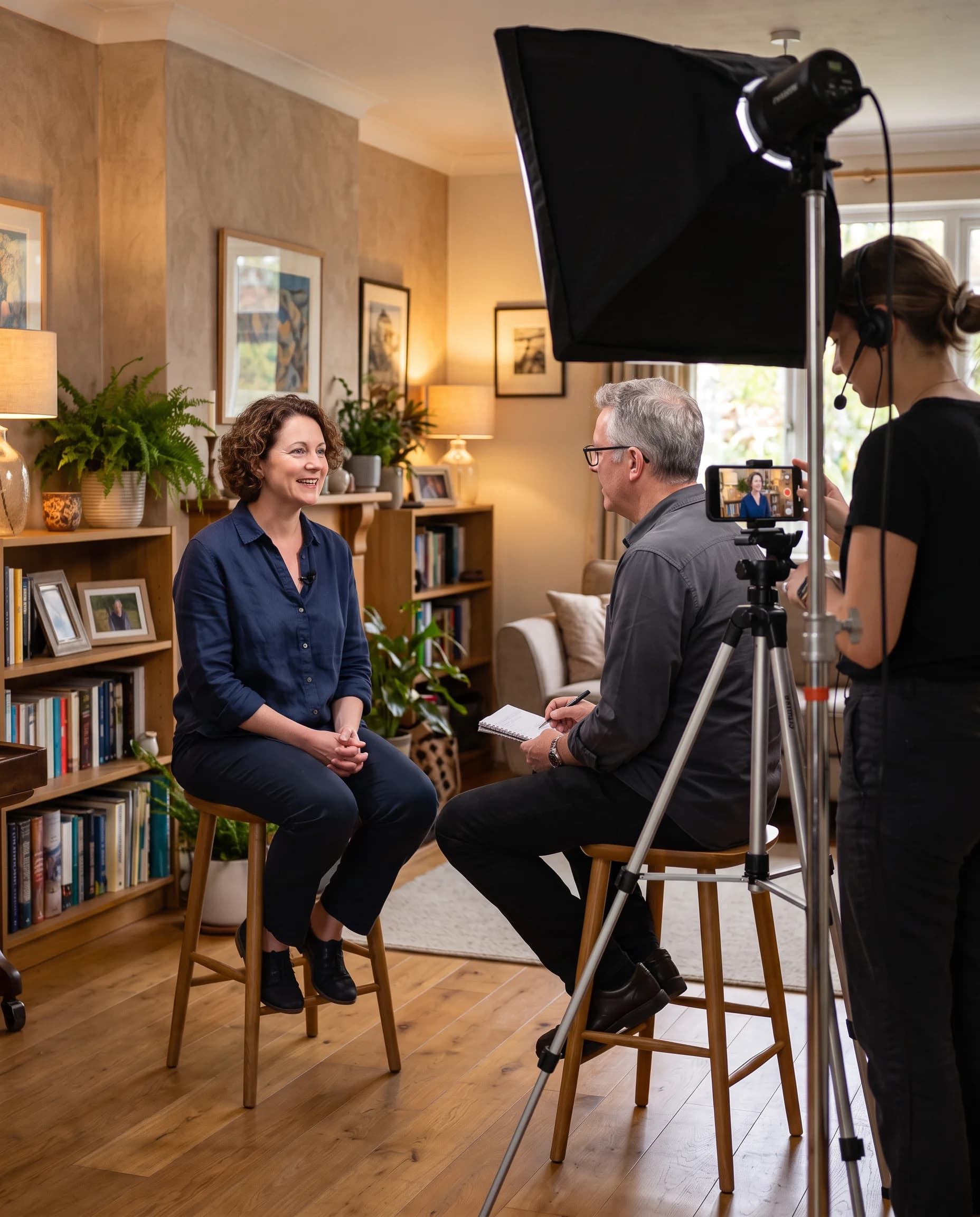
Built by People Who Have Been on Both Sides of the Camera
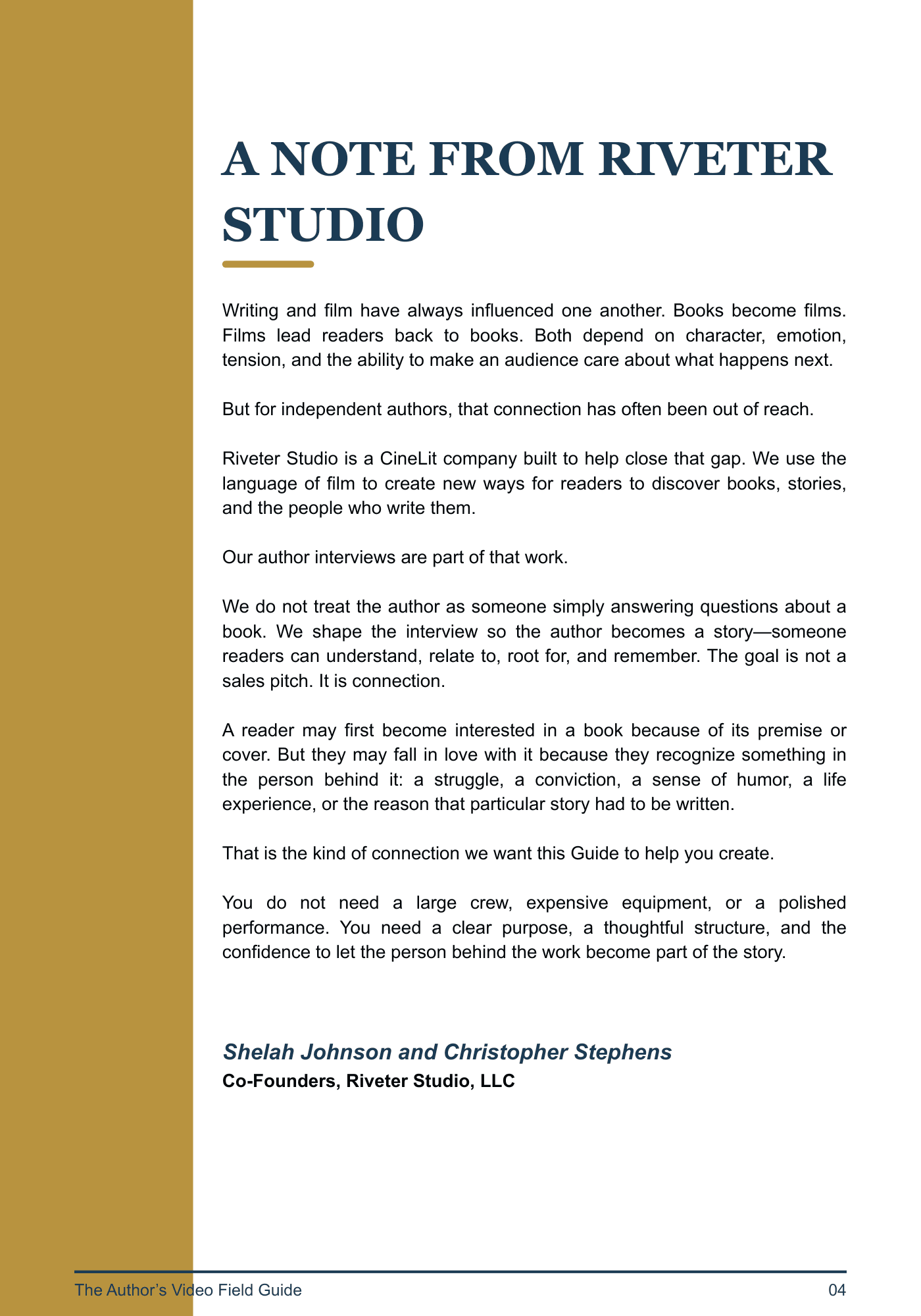
The Author’s Video Field Guide was created by Riveter Studio—a CineLit team of award-winning authors, producers, filmmakers, and interviewers.
We walked before we talked.
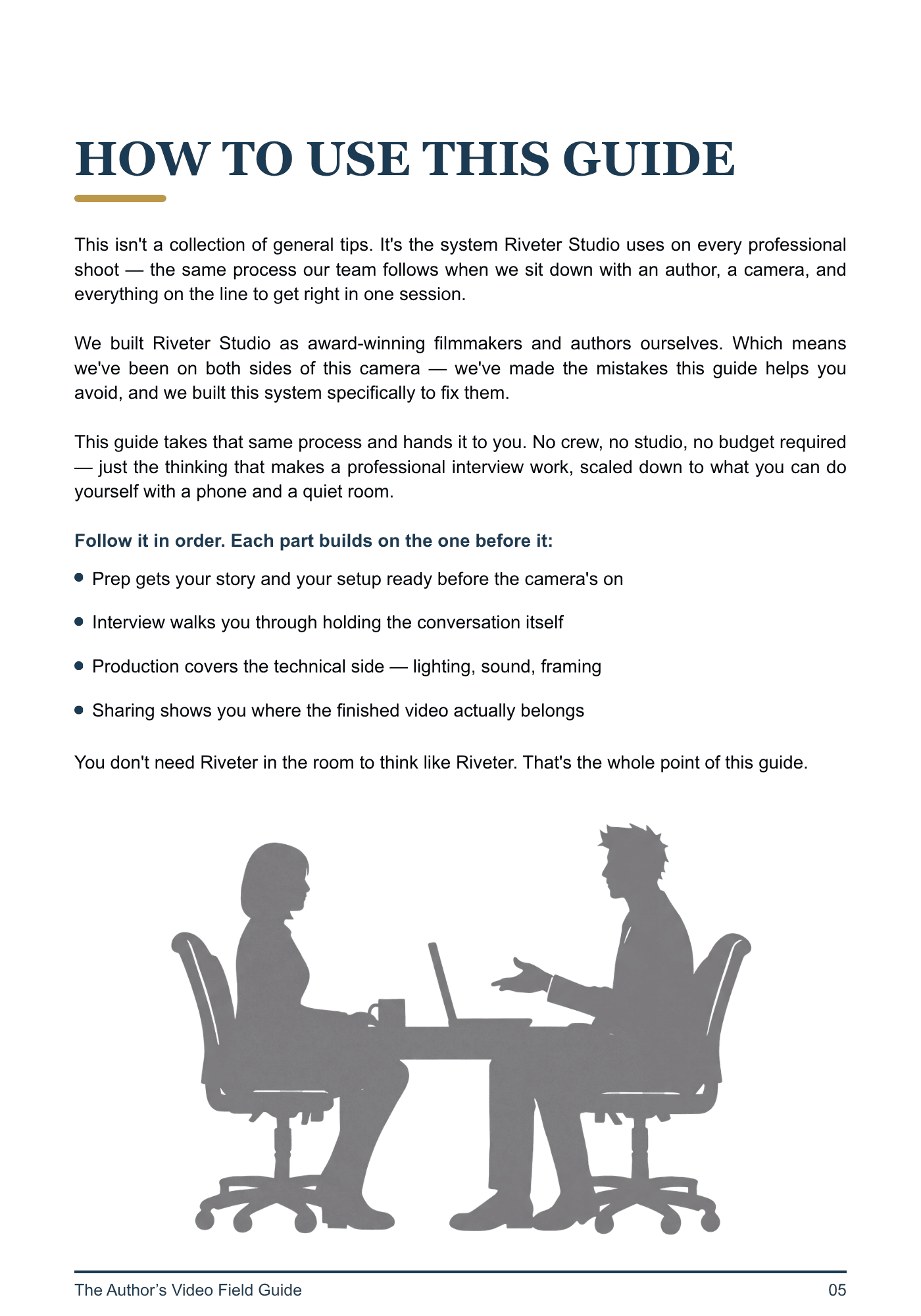
The Guide comes from doing the work: shaping conversations, solving production problems, seeing what holds attention, learning what falls flat, and helping real people tell their stories with greater clarity, confidence, and purpose.
Video Can Help You Rise Above the Noise.
But Only If It Gives People a Reason to Stop.
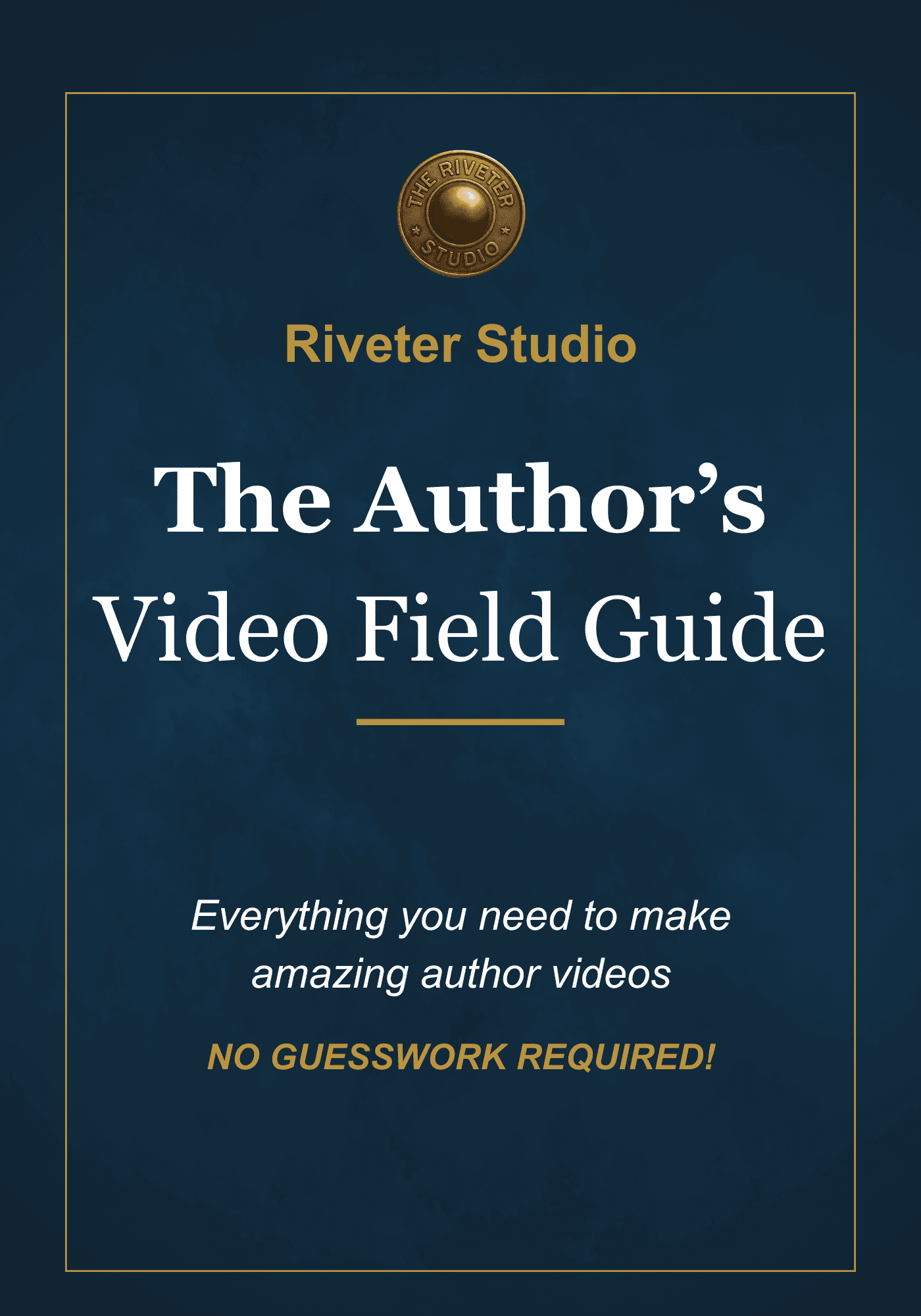
The Author’s Video Field Guide shows you how to move from a first idea to a finished video with a clear purpose—and a plan for putting it to work.
Built from more than a decade of interviewing experience and our direct work producing videos with authors, it addresses the decisions that make the difference between simply appearing on camera and creating something people will watch.
This is not another list of camera tips.
It is a nearly 80-page guide to creating author video that is more focused, more watchable, and more useful long after you press publish.
The Old Advice Is No Longer Enough
None of that is wrong.
It is simply not enough in a world overflowing with reels, livestreams, podcasts, promotional clips, and interviews that all begin to look the same. Authors need more than advice on how to appear on screen.
Your videos have a job to do.
From First Question to Final Share
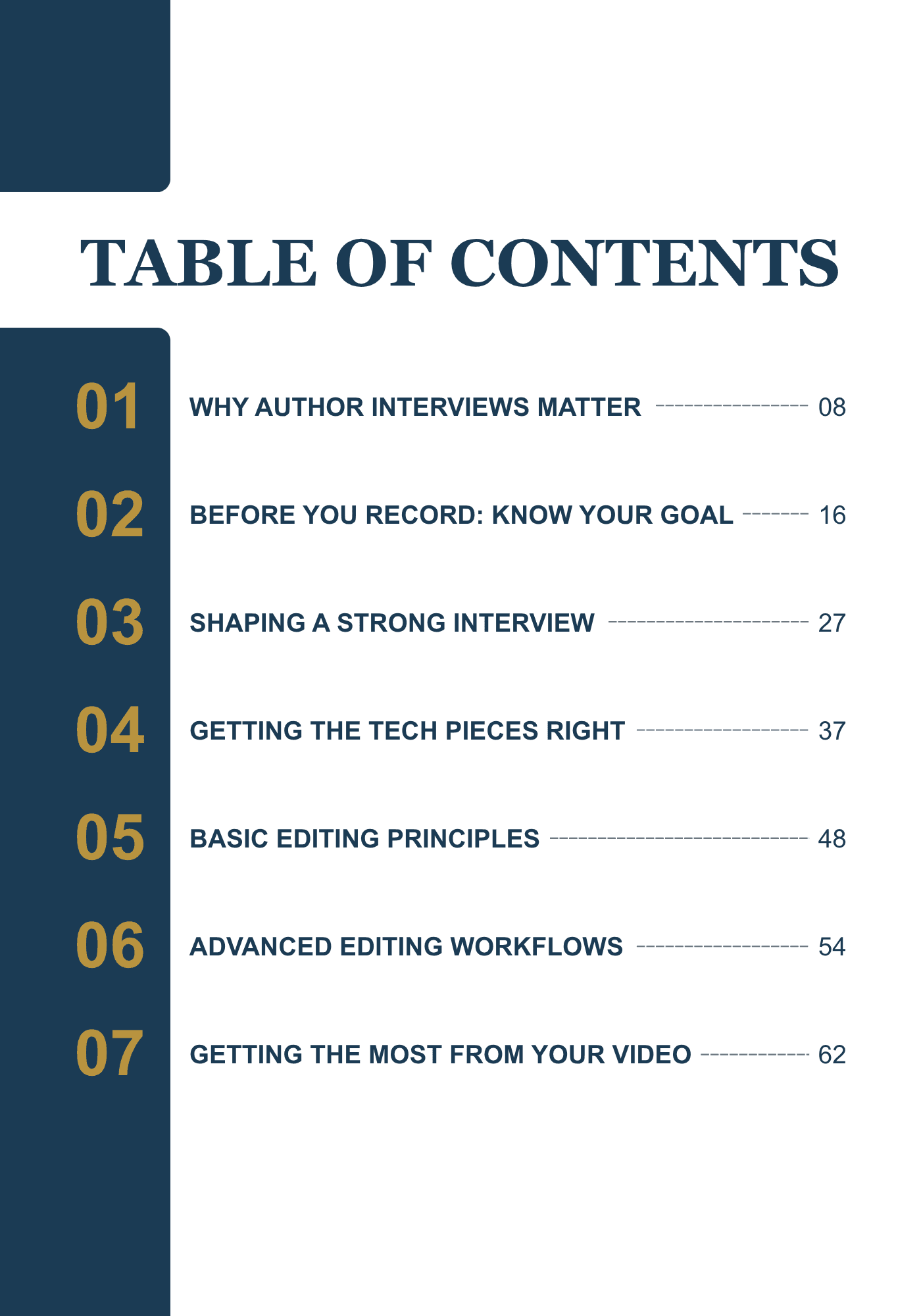
The Guide walks you through the complete author-video process.
Shape the Conversation
Choose a clear purpose, find the strongest angle, and avoid the questions that lead to flat, predictable answers.
Prepare for the Camera
Build confidence, reduce self-consciousness, and speak naturally without memorizing a performance.
Get the Technical Pieces Right
Make practical decisions about cameras, phones, lighting, framing, backgrounds, sound, and recording spaces.
Create Something Worth Watching
Use structure, pacing, visual anchors, and emotional turns to keep the conversation moving.
Edit With Purpose
Understand how sound, captions, graphics, music, book imagery, and visual storytelling shape the finished experience.
Put the Video to Work
Use your video across your website, book pages, press kit, social platforms, media outreach, newsletters, events, and future launches.
Built to Be Used
Advice only matters when you can put it into practice. The Guide includes:
- preparation checklists
- interview-planning tools
- question-development guidance
- technical setup worksheets
- camera and room checks
- production shortcuts
- practical templates
- rollout guidance
- ready-to-use resources
You will not finish the Guide wondering what to do next.
Start With the Guide
Get your copy of the Author’s Video Field Guide and begin creating video with more clarity, confidence, and purpose.
Get the Field Guide$40 · Ships to your door after purchase.
The camera records what happens. The Guide helps you make it matter.